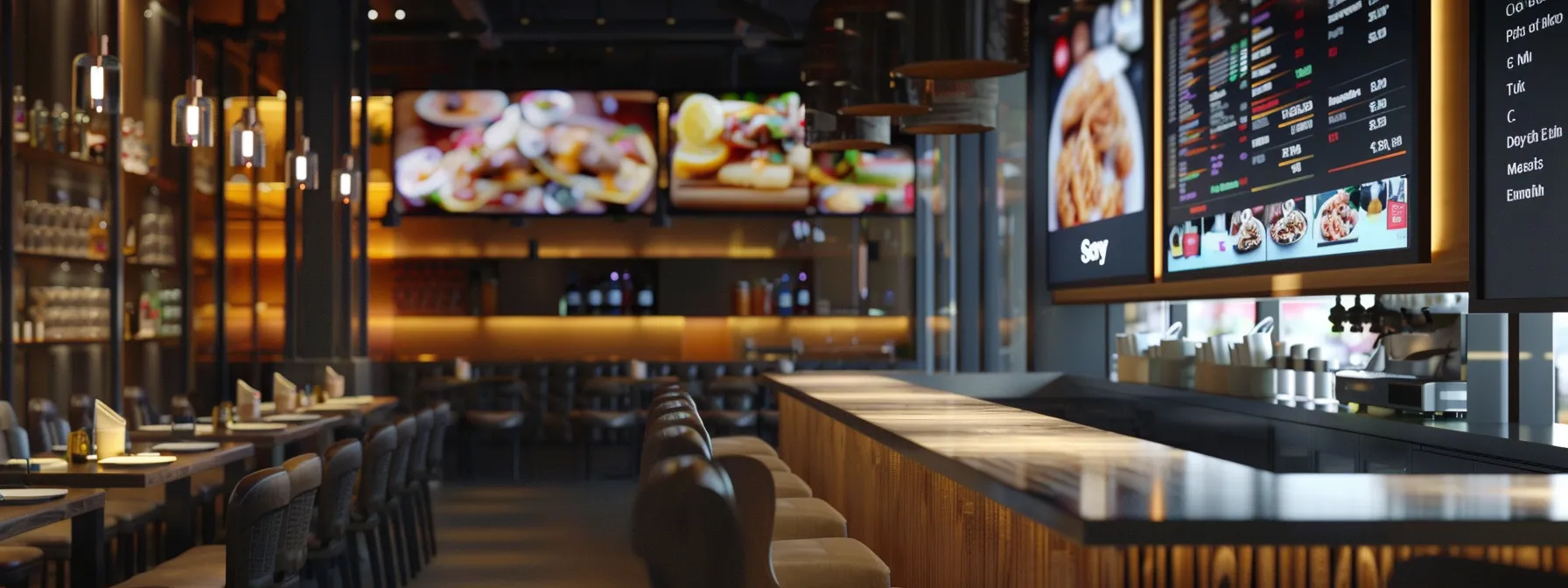
Your screens are often the first thing guests read when they walk in. Done well, digital signage helps a restaurant promote the right dishes at the right time, keep menus accurate and give the space a modern, polished feel. This guide covers practical ideas you can put to work, and how DSTology makes them easy to run day to day.
Key takeaways
- Digital menu boards let you change dishes, prices and offers in minutes instead of reprinting.
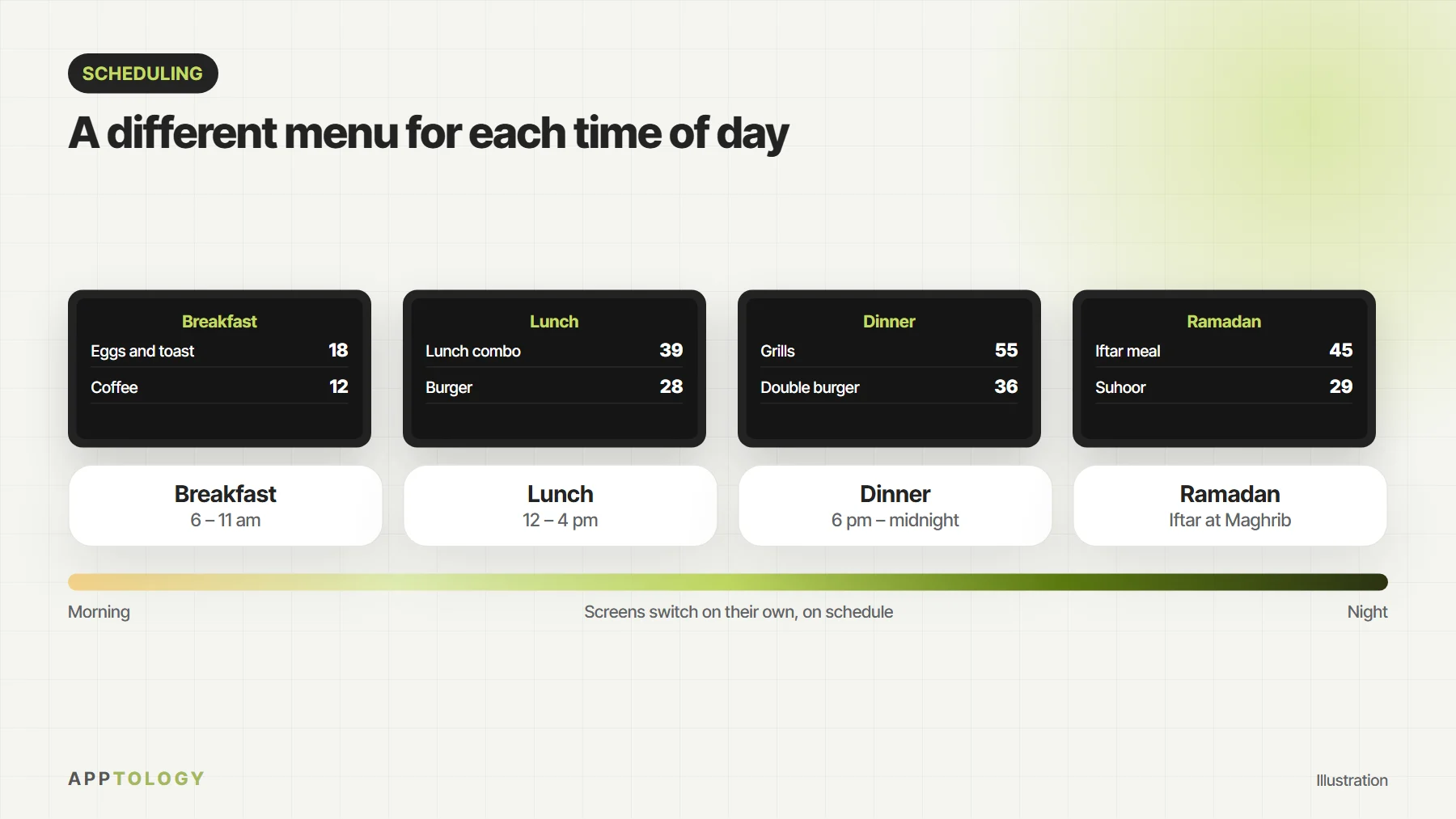
- Scheduling shows breakfast, lunch and dinner menus automatically at the right time.
- Clear, simple content with large photos and prices works better than busy screens.
- A cloud platform such as DSTology lets you manage every screen and branch from one place.
Why digital signage works for restaurants
Printed menus and posters are slow and costly to change. Screens can be updated whenever you need, so a sold-out dish disappears immediately and a new offer appears the moment it starts. Motion and good photography also draw the eye in a way static boards cannot, which makes screens ideal for highlighting the items you most want to sell.
Ideas to try in your restaurant
Menu boards that change through the day
Schedule a breakfast menu in the morning, lunch combos at midday and your full dinner menu in the evening. Guests only see what is available, and staff never have to switch anything by hand.
Spotlight your best sellers and combos
Give your signature dishes and meal deals their own slide with a large photo and a clear price. Rotating a few featured items keeps the board fresh without overwhelming guests.
Keep waiting guests engaged
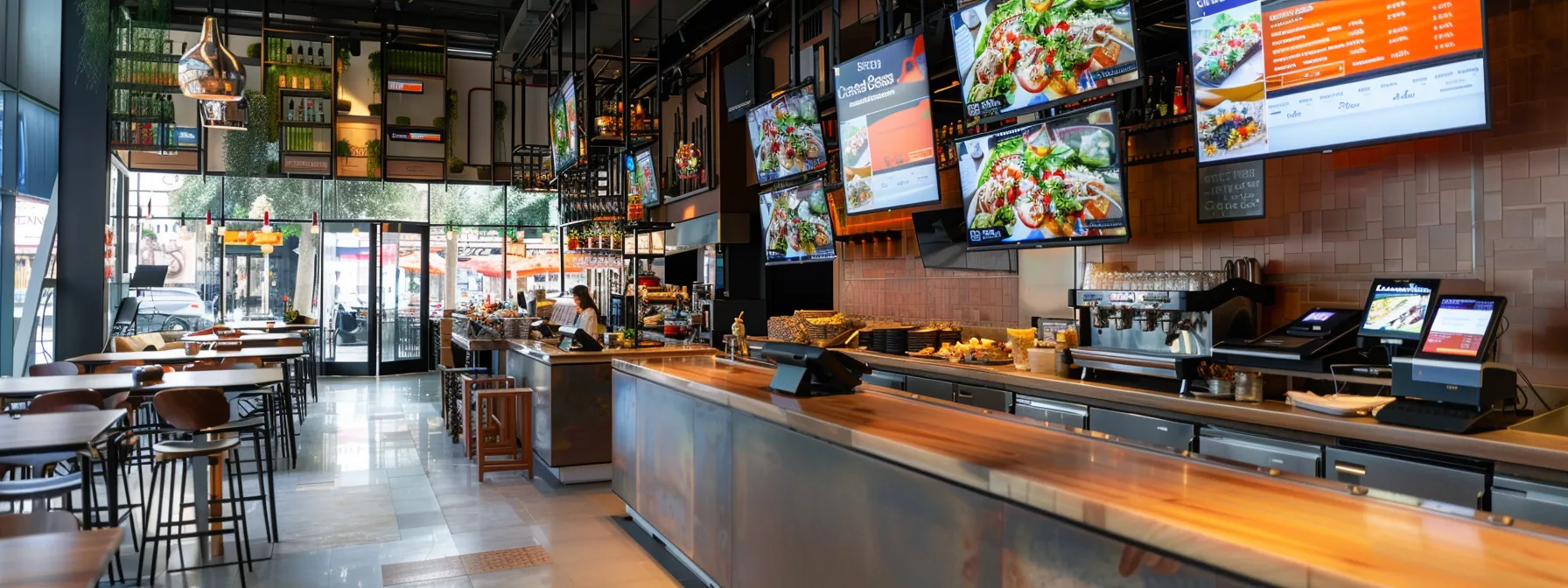
A screen near the entrance or pickup counter can show what is coming out of the kitchen, upcoming offers or how to order ahead next time, so the wait feels shorter and more useful.
Share reviews and social posts
Featuring real guest reviews and your latest social media posts (with permission) adds social proof and encourages diners to share their own photos.
Seasonal and local content
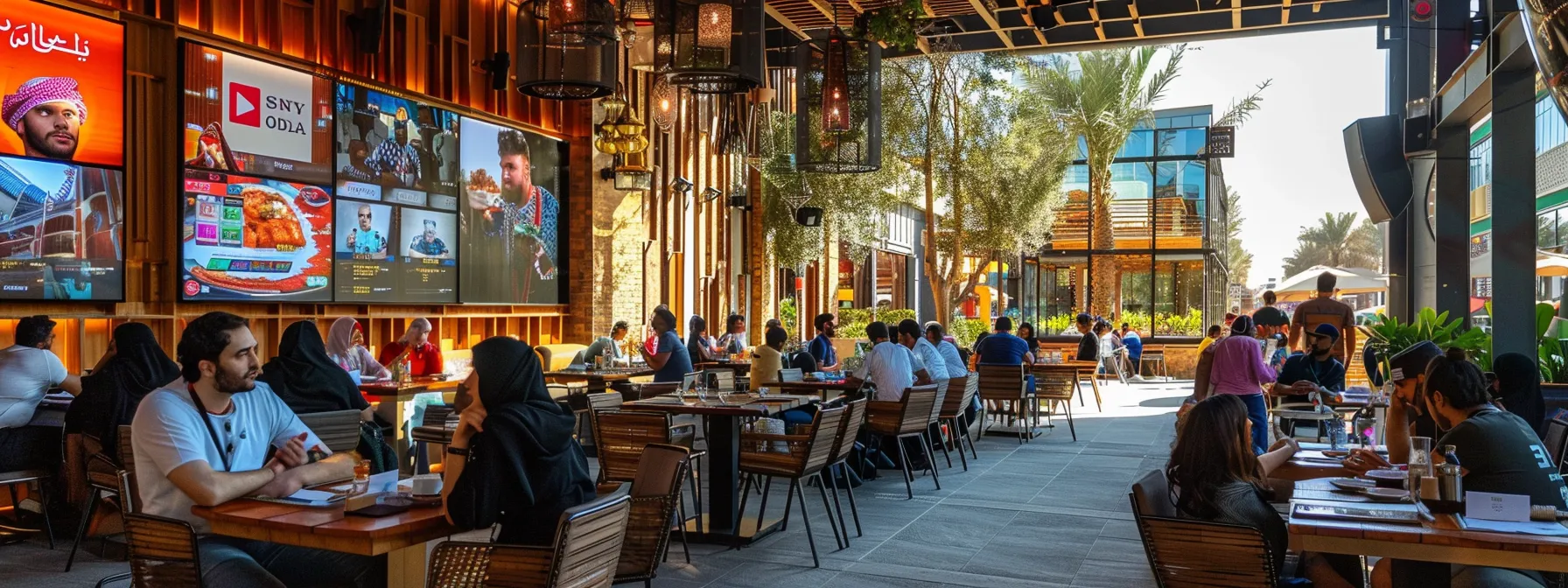
Plan content around Ramadan and Eid, Saudi National Day, local events and the seasons. With scheduling, special menus and greetings can go live and come down automatically.
Designing content that sells
- Keep it short. A dish name, a price and one line of description is enough.
- Make prices easy to read from where guests stand or queue.
- Use your own food photos and keep them bright and appetising.
- Stay on brand with your colours, fonts and logo on every slide.
- Do not overload the screen. A few items per slide is easier to take in than a full menu.
Running screens across several branches
For restaurant groups, consistency matters. A cloud platform lets you publish a new menu or campaign to every branch at once, while still allowing a branch to show its own local offer or opening hours.
How DSTology helps restaurants
DSTology is Apptology’s cloud digital signage platform, designed to make all of the above simple for busy restaurant teams:
- Ready-made templates for menu boards and promotions, so you can start without a designer
- A drag-and-drop editor for photos, video and text
- Scheduling by time of day and date for dayparts, seasonal menus and campaigns
- Works with LG TVs and Android devices, often including screens you already own
- Cloud management of every screen and branch from a laptop or phone
- Setup and support from the Apptology team in Canada and Saudi Arabia
Measuring the impact
Treat your screens like any other marketing channel. Compare sales of a featured dish before and after you promote it, change one thing at a time so you know what made the difference, and use QR codes on screens to see how many guests scan for offers or online ordering. Then keep what works and refresh what does not.
See it in a real business: Abu Alhous runs its menus and offers on screens in every branch with DSTology.
More for restaurants: apps and digital menu boards for restaurants, menu boards for drive-thrus, fast food and bakeries, and what digital menu boards cost.
Run your menu boards with DSTology
The first screen is free, with a 14-day trial. Link your prices to Foodics and schedule menus by time of day.
Frequently asked questions
Do I need new screens to use digital signage?
Not always. DSTology works with LG TVs and Android devices, so many restaurants can start with screens they already have.
How often should I change my menu board content?
Update prices and availability whenever they change, and refresh featured items and promotions every few weeks so regular guests keep noticing them.
Can I manage screens in more than one branch?
Yes. With a cloud platform such as DSTology you can manage every location from one account and still tailor content for each branch.
Get started
Ready to bring your menu boards to life? Explore our digital signage solutions or contact us to see DSTology with your own menu.