Ottawa’s food businesses change with the seasons more than most. December brings holiday parties and gift cards, winter means hot drinks and comfort food, spring opens the patios, and September brings students and offices back. With printed menus, each change means new prints for every location. With digital menu boards, you plan each change once and schedule it.
This guide lays out a simple year plan for menu boards in Ottawa restaurants, cafés and bakeries, starting with the holidays, and the rules to check before you publish.
The short version
- Plan the year in five seasons: holidays, winter, spring, summer and fall.
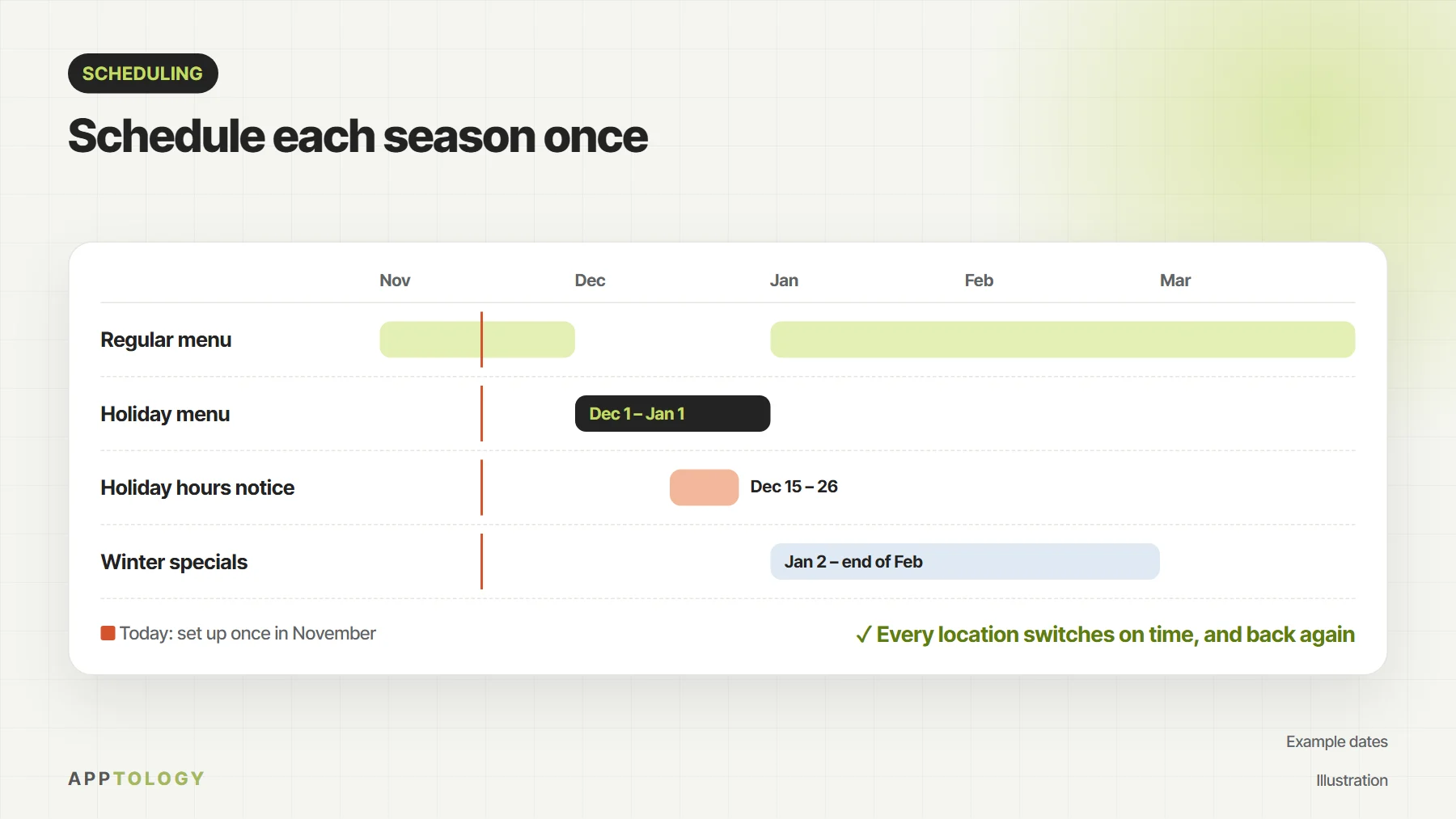
- Give each seasonal menu a start and an end date once, so every location switches on time and switches back.
- Set up holiday menus, gift cards and holiday hours in November.
- Chains with 20 or more locations in Ontario must show calories on their menus, including menu boards.
- Have a location in Gatineau? Quebec’s French-language rules apply to signs and screens there.
A menu-board calendar for Ottawa
| Season | When | What to show |
|---|---|---|
| Holidays | Mid-November to early January | Holiday specials, party and group bookings, gift cards, holiday hours |
| Winter | January and February | Hot drinks, soups and comfort food, weekend specials during Winterlude in February |
| Spring | March to May | Lighter dishes, the patio opening date, specials during the Canadian Tulip Festival in May |
| Summer | June to August | Patio menu, cold drinks, Canada Day specials, longer hours |
| Fall | September and October | Back-to-school and office lunch combos, Thanksgiving specials, fall drinks |
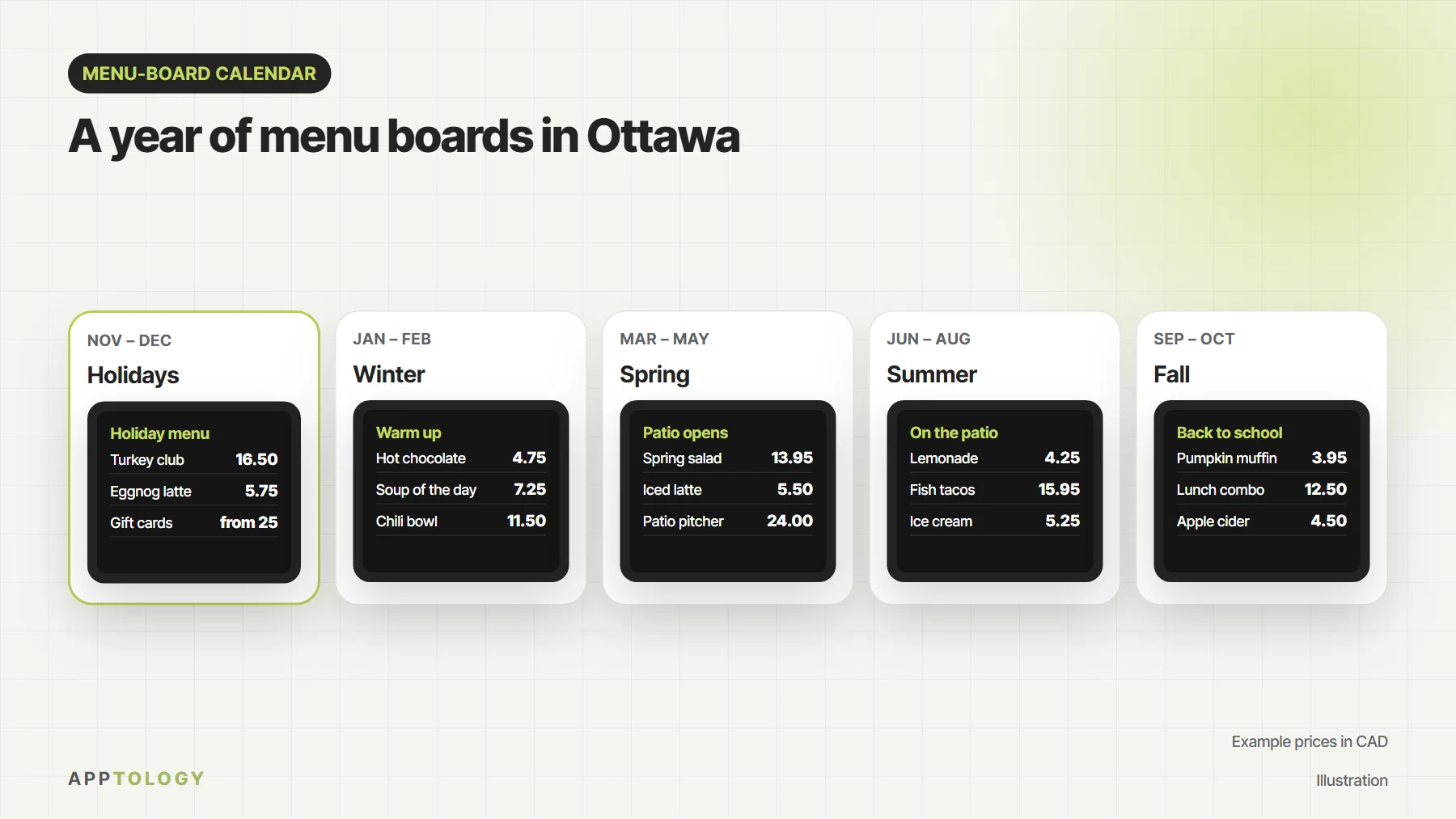
You don’t need a new design for every season. Most businesses keep one layout and change the photos, items and colours, which keeps the brand consistent and the work small.
Holiday season: set it up in November
The holidays are the busiest time to change menus, and the easiest time to forget something. Set everything up in November, while there is still time to test:
- Holiday specials: schedule them to start on launch day, with an end date in early January.
- Gift cards: a simple slide near the till reaches customers who are already standing there.
- Group bookings: add a QR code that opens your booking page, for office parties and family dinners.
- Holiday hours: show closures and short days from mid-December, so customers see them before they plan a visit.
- Back to normal: schedule the regular menu to return on its own, so nobody has to remember on January 2.
Winter and Winterlude
Ottawa winters are long, and a warm drink on the screen is hard to resist when people come in from the cold. Schedule a hot-drink layout for the morning rush and soups or comfort food at lunch. During Winterlude in February, a weekend special for people heading to or from the events can run on the same schedule, Friday to Sunday only.
Spring and summer: patio season
When the patio opens, use your indoor screens to tell customers about it, and show a separate patio menu if you have one. Screens that face a sunny window or sit outside need much higher brightness than a regular TV, which looks faded in direct sun. Indoors, a regular smart TV is usually enough. We compared the two in regular TV vs commercial display for digital signage.
Calorie labels for chains in Ontario
If your business has 20 or more locations in Ontario, the Healthy Menu Choices Act requires calories for standard food and drink items on your menus, including menu boards. Calories must sit next to the item’s name or price, in the same font and format, and at least the same size and prominence. Menus also need a short statement about average daily calorie needs. The Ontario government explains the details in calories on menus: information for businesses.
Seasonal items have an exemption: food and drinks offered for fewer than 90 days in total in a calendar year don’t need calories. An item that stays on the menu for a full season of more than 90 days does. See the Ontario guide to menu labelling before you plan limited-time items. On a digital board, the calories are part of the layout, so they change together with the item and price in every location.
A location in Gatineau?
On the Quebec side, the Charter of the French Language applies to signs and screens. Public signs must be in French, and where another language also appears, French generally has to be markedly predominant. For screens, the OQLF’s criteria say that on a dynamic display, French text should be shown at least twice as long as text in another language when this rule applies. Since June 1, 2025, stricter rules also apply to signs visible from outside that include a business name or trademark in another language. See the OQLF’s guidance, or our page on affichage numérique à Gatineau.
Run every season from one place
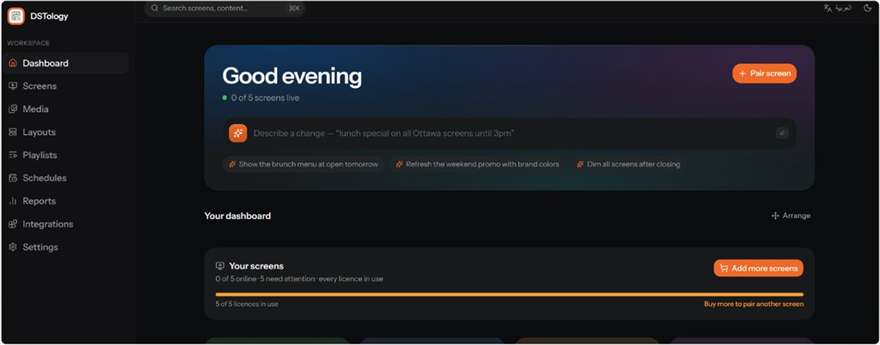
With DSTology, you schedule each season once and publish it to every screen in every location from your phone. It runs on the TVs you already have, including Samsung and LG smart TVs, Android TV and any screen with a browser. In Ottawa and Gatineau, we can install screens on site, and if you use another system today, we move your screens and content over for free.
Checklist for the holidays
Get your screens ready for the holidays
Your first screen is free, with a 14-day trial for the rest. We install on site across Ottawa and Gatineau, and switching from another system is free.
Frequently asked questions
When should I set up holiday menu boards?
In November. That leaves time to photograph holiday items, schedule the menu and holiday hours, and test everything on one screen before publishing to every location.
Do menu boards in Ontario need calories?
If your business has 20 or more locations in Ontario, yes: standard items need calories on menus, including menu boards. Items offered for fewer than 90 days in a calendar year are exempt.
Can I use regular TVs for menu boards?
Indoors, usually yes. DSTology runs on Samsung and LG smart TVs, Android TV and any screen with a browser. Screens facing a sunny window or outdoors need a high-brightness commercial display.
Can each location show different specials?
Yes. Publish one menu to every location, or change an item or price for one location, from the same dashboard.
What happens if the internet goes down?
DSTology screens keep playing their schedule and update when the connection comes back.
Read next: Digital signage in Ottawa, Digital menu boards in Canada and Digital menu boards for cafés.