If you are planning digital menu boards or promo screens, the first question is usually about hardware: can you just use a regular TV, or do you need an expensive commercial display? For most businesses the answer is that a good smart TV is enough to start. This guide explains when that is true, when a commercial display is worth the extra cost, and what to check before you buy.
The short answer
- A regular smart TV works well for most indoor menu boards and promo screens.
- Choose a commercial display for very long daily hours, bright windows or sunlight, drive-thrus, or when you need a business warranty.
- Check three things on any TV: brightness, how many hours a day it is rated for, and the warranty terms for business use.
- The software matters as much as the screen: it decides how fast you can change menus in every location.
Regular TV vs commercial display: the differences that matter
| Regular smart TV | Commercial display | |
|---|---|---|
| Daily hours | Designed for a few hours a day | Rated for long daily use, often 16 to 24 hours |
| Brightness | Typically 250 to 500 nits, fine indoors | Typically 450 to 700 nits indoors; 2,500+ nits for windows and outdoors |
| Orientation | Landscape; portrait may not be supported | Built for portrait or landscape |
| Warranty | Business use may be limited or excluded | Business warranty, often 3 years |
| Cost | Lowest upfront cost | Higher upfront cost |
| Best for | Indoor menu boards, counters, waiting rooms | Long hours, window-facing screens, drive-thrus |
When a regular TV is enough
- Your screens are indoors, behind a counter or on a wall, away from direct sunlight.
- They are on during opening hours, not around the clock.
- You want to start quickly with the TVs you already have.
- You are testing digital signage in one location before rolling it out.
This covers most restaurants, cafés, clinics and stores. Many businesses run their menu boards on smart TVs for years.
When a commercial display is worth it
- Long hours: screens that run 16 hours or more every day, such as in 24-hour restaurants or transit areas.
- Bright spaces: screens facing a window or the street, where a TV looks washed out.
- Drive-thrus and outdoors: these need high-brightness, weather-rated displays.
- Portrait walls: tall menu boards or video walls that need portrait mounting.
- Warranty: when you need the screen covered for business use.
What to check before you buy
- Brightness in nits, compared with how bright the space is.
- The daily operating hours the screen is rated for.
- Whether the warranty covers business use.
- Portrait support, if you plan a vertical menu.
- Whether it is a smart TV (Samsung, LG or Android TV) that can run your signage app directly, or needs a player.
The screen is only half of it
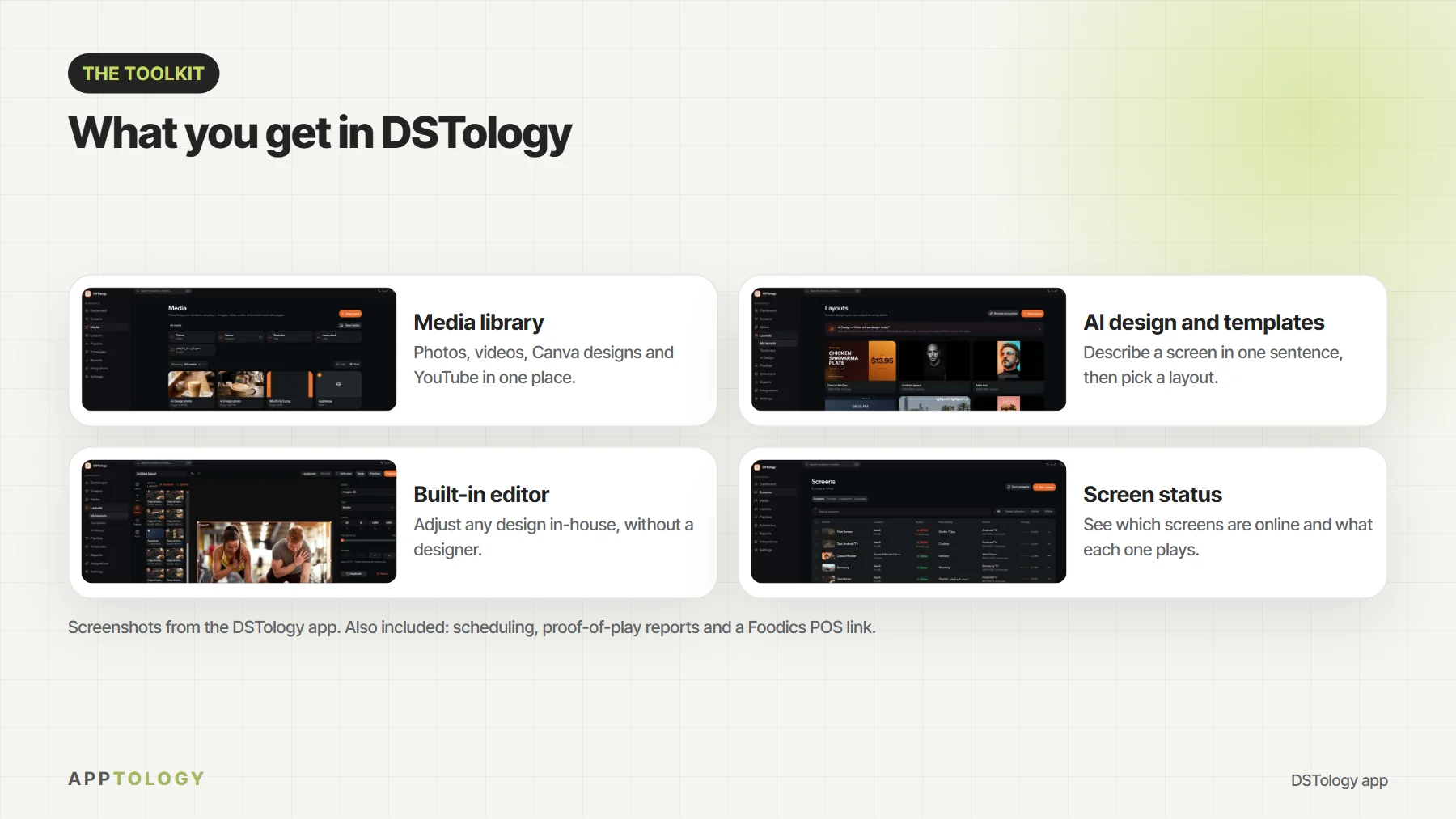
Whatever screen you choose, the software decides how much work your team does every day. With DSTology you update prices, specials and daypart menus on every screen in every location from your phone, and schedule breakfast, lunch and happy hour menus to switch on their own. It runs on Samsung and LG smart TVs, Android TV and any screen with a browser.
In Canada, we install screens on site across Ottawa–Gatineau and the Greater Toronto Area. See how digital menu boards work, or read how Reef Perfumes went from two days to a few minutes per update.
Want real numbers? See what digital menu boards cost in Canada, with retail prices for each type of screen and a hardware estimator.
Planning a drive-thru? Outdoor lanes need their own screens: see drive-thru digital menu boards.
Opening a new restaurant in Saudi Arabia? Read the licences and steps in order, then plan your menu screens against your opening date on our page for new restaurants.
Start with the TVs you already have
Your first DSTology screen is free, with a 14-day trial. Switching from another system is free.
Book a free demoFrequently asked questions
Can I use a regular TV for digital signage?
Yes. Most smart TVs work well for indoor menu boards and promo screens. DSTology runs on Samsung and LG smart TVs, Android TV and any screen with a browser, so you can start with the TVs you already have.
How many hours a day can a regular TV run?
Consumer TVs are designed for a few hours of viewing a day. Many run longer without problems, but if a screen will be on 16 hours or more every day, a commercial display built for that duty cycle is the safer choice.
Does using a TV commercially void the warranty?
It can. Some manufacturers limit or exclude coverage when a consumer TV is used in a business. Check the warranty terms for your model before you rely on it for continuous use.
Do I need a media player box?
Not always. If your TV is a Samsung or LG smart TV or runs Android TV, DSTology can run on it directly. Older or non-smart screens need a small player or stick connected by HDMI.
What size should a menu board be?
Behind a counter, 43 to 55 inches is common. Portrait works well for long menus, and landscape for photos, combos and promos.