AI is no longer a futuristic add-on. Today a business app can answer questions, read documents, suggest the next best action and save your team hours every week. The key is to start with real problems, not with the technology. Here are practical AI features businesses are adding to their apps now, including examples from products we have built.
Key takeaways
- Start from a task your team repeats every day, not from the technology.
- Seven features deliver value today: an assistant on your own data, structured requests, recommendations, document reading, smart search, alerts, and summaries with translation.
- All of them work in Arabic and English.
- Keep a person in the loop, control what data the AI can see, and design with usage costs in mind.
1. An assistant that knows your business
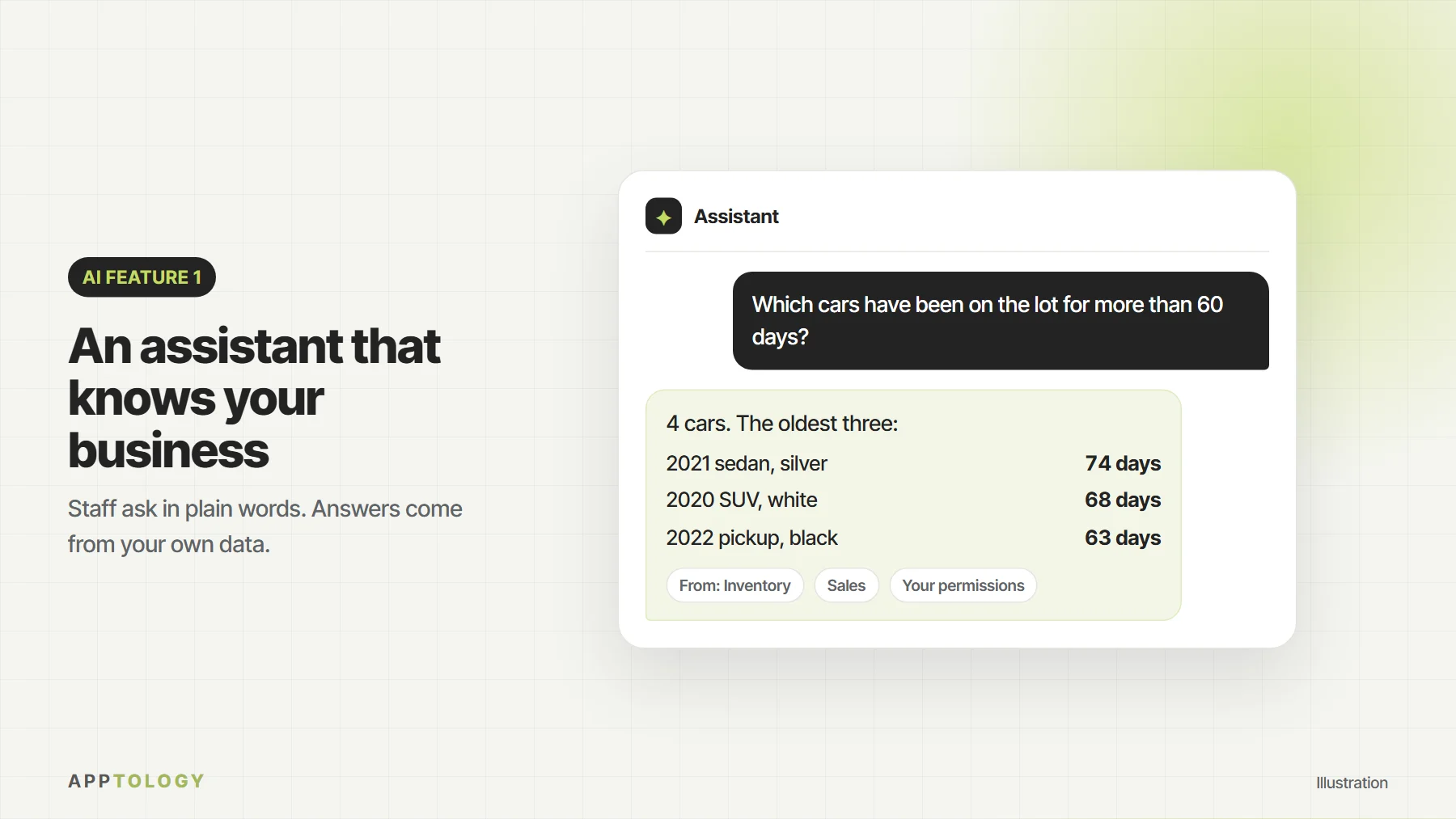
Instead of searching through screens and reports, staff can simply ask: “Which cars have been on the lot for more than 60 days?” or “What did this customer order last month?” The assistant answers from your own data, with the right permissions. In PrimeAuto, our dealership management platform, we built an AI assistant on Anthropic’s Claude to help staff find answers faster.
2. Turning a request into structured work
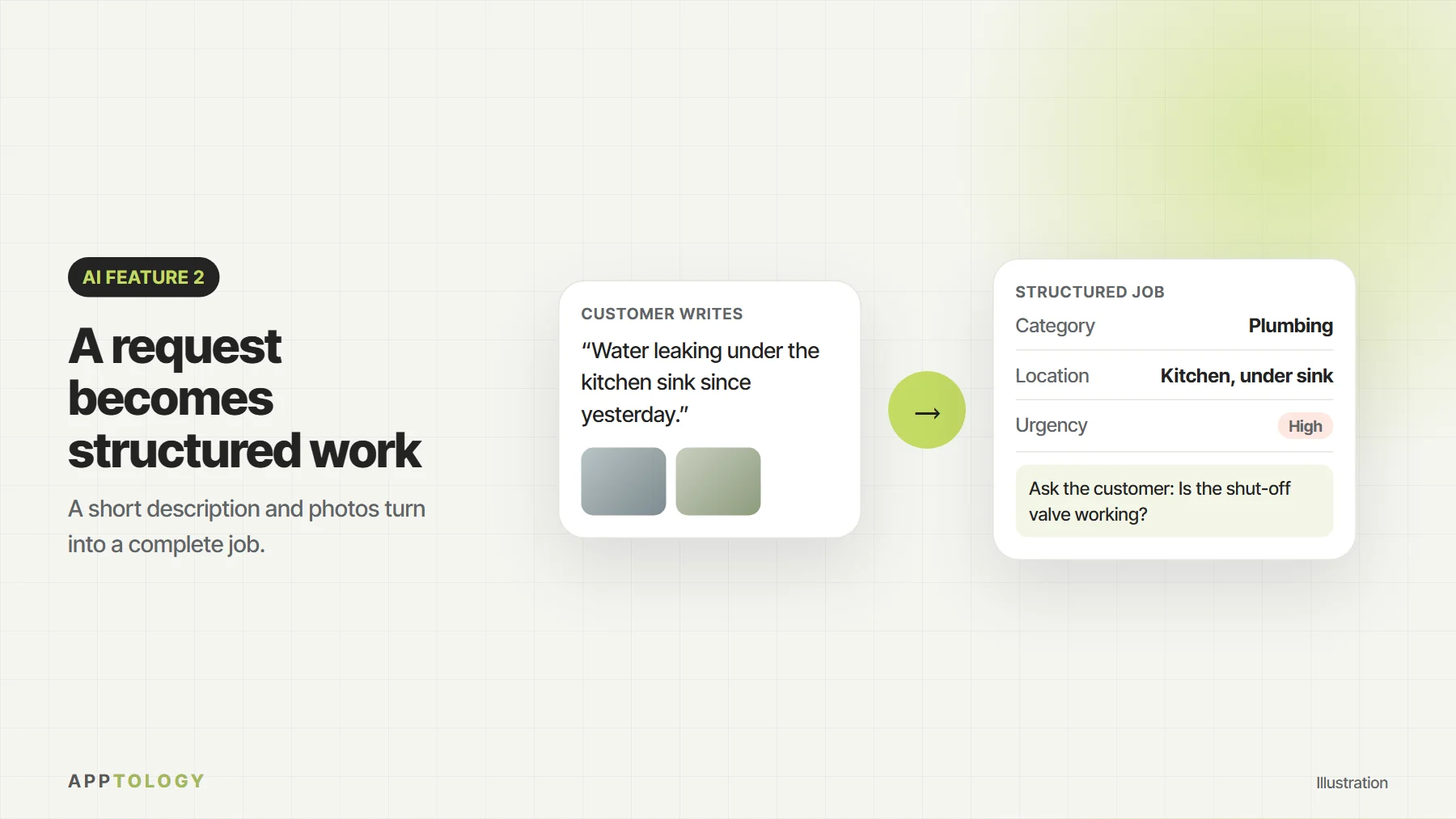
Customers rarely describe a job in a perfect format. AI can turn a short description or a few photos into a structured request with the right category, details and questions. ScopeMark, the verified trades marketplace we built, uses AI to help companies define the scope of a job before it goes to a contractor.
3. Personal recommendations and offers
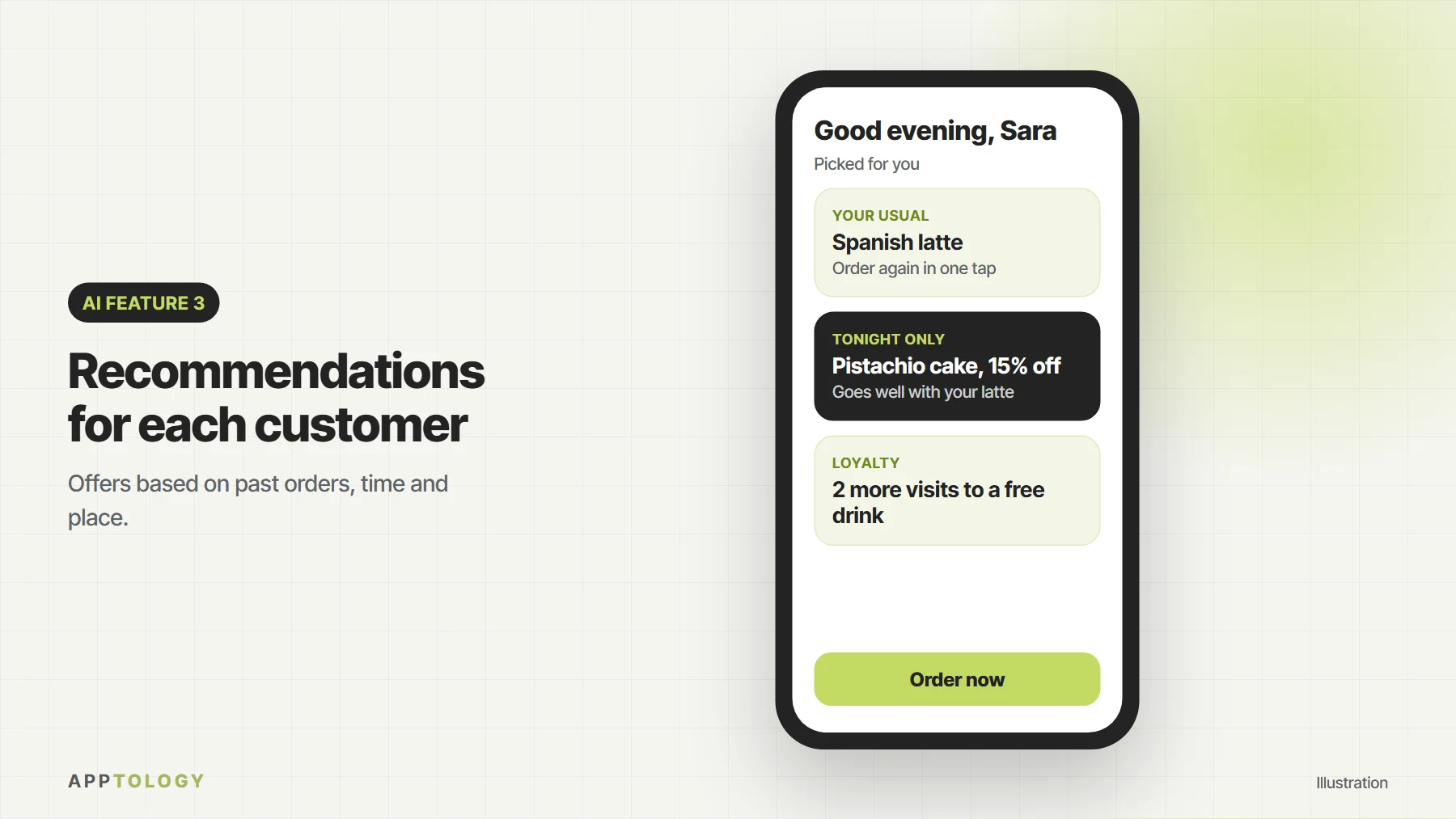
Restaurants and retailers can suggest items based on past orders, time of day or location, and send offers that are relevant to each customer instead of one message to everyone. Combined with a loyalty program, this brings customers back more often.
4. Reading documents and photos
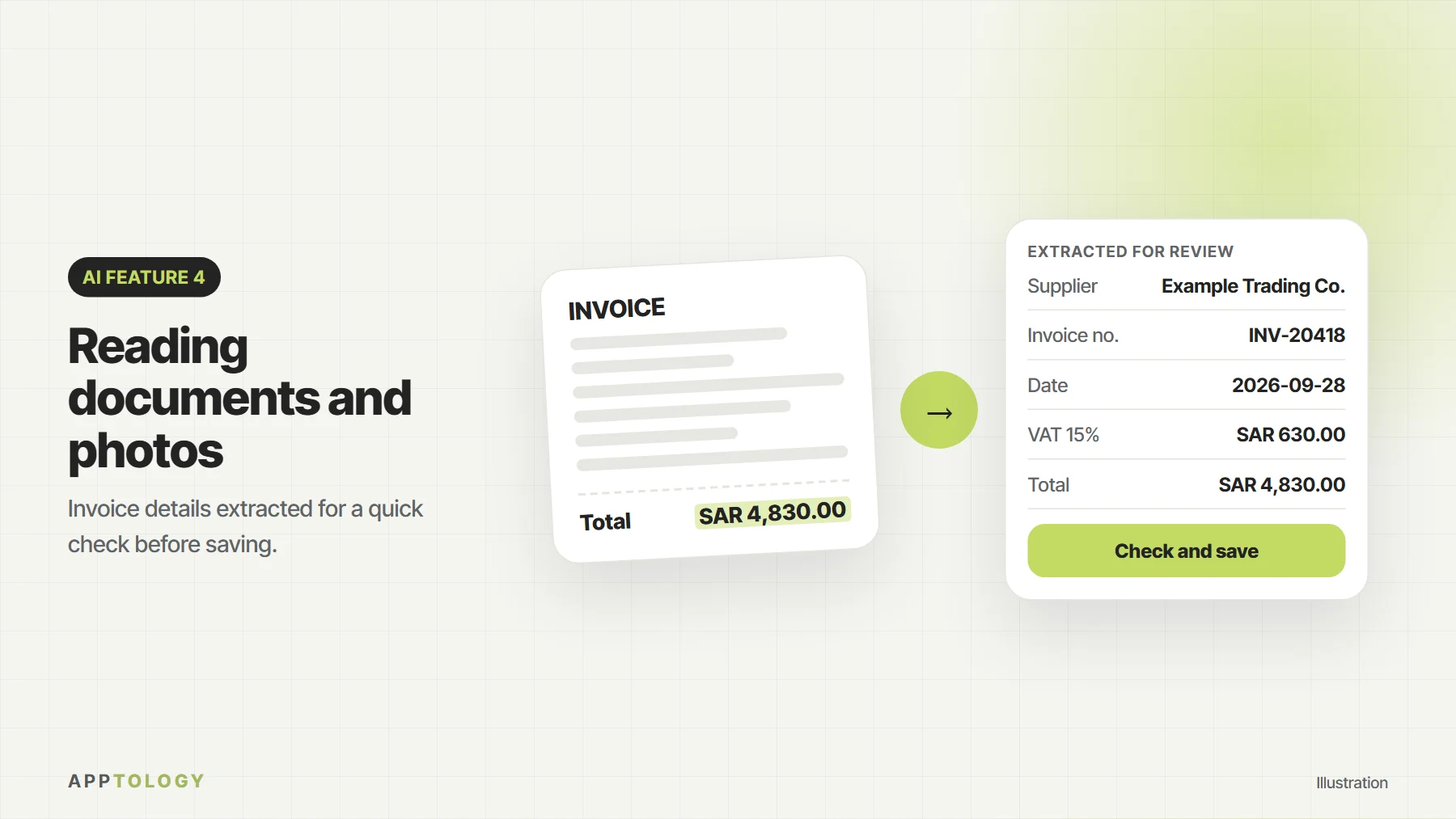
AI can extract information from invoices, receipts, forms and IDs, so your team stops typing the same details by hand. The app shows the extracted data for a quick check before it is saved.
See how this works for car dealers in dealership platforms, apps and showroom screens.
Not sure which feature fits your business?
Tell us the task your team repeats most, and we will suggest where AI can help first.
5. Smarter search
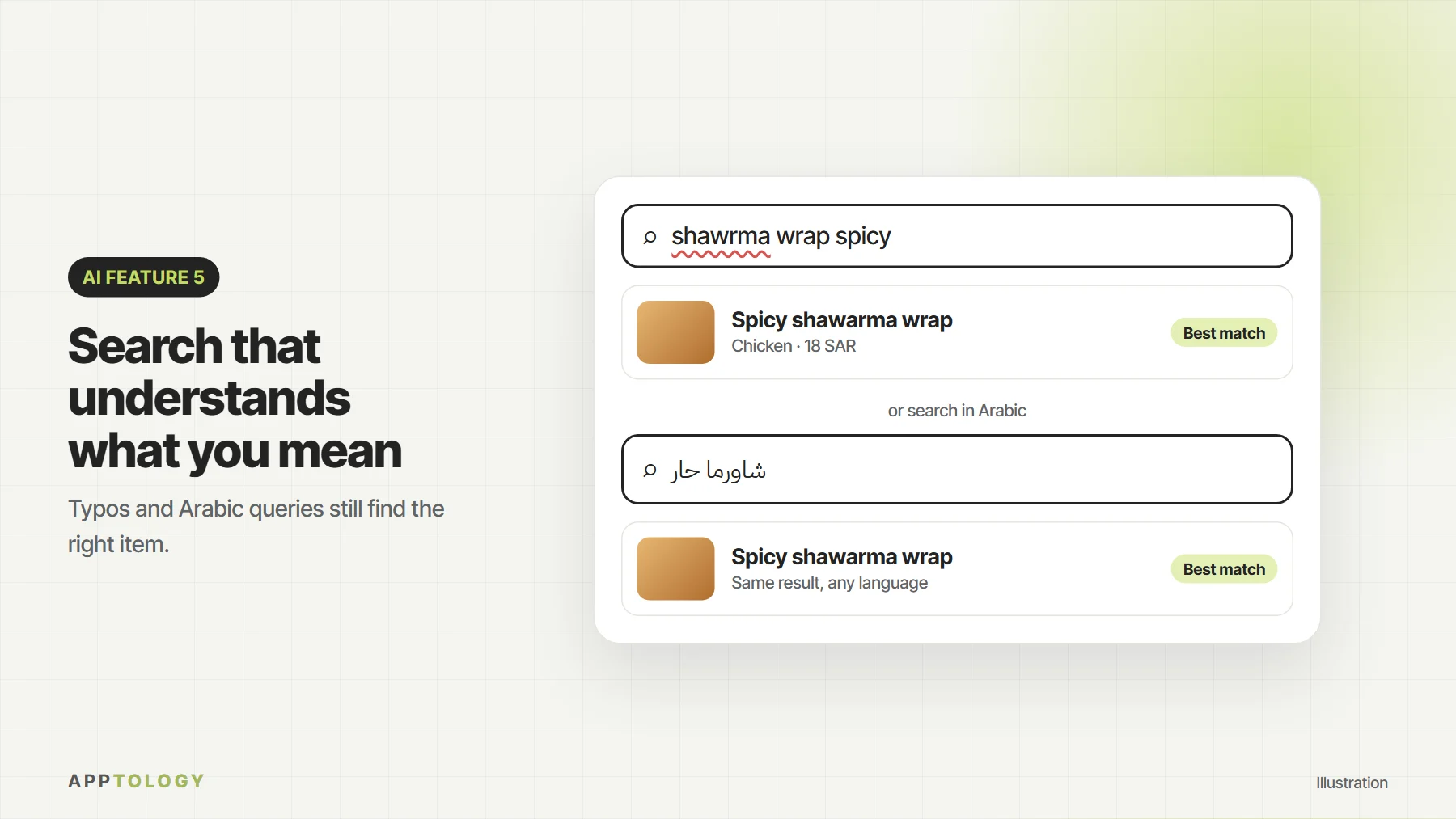
Users do not always know the exact product name or category. AI-powered search understands what people mean, including spelling mistakes and questions in natural language, in English and Arabic.
6. Alerts and forecasts
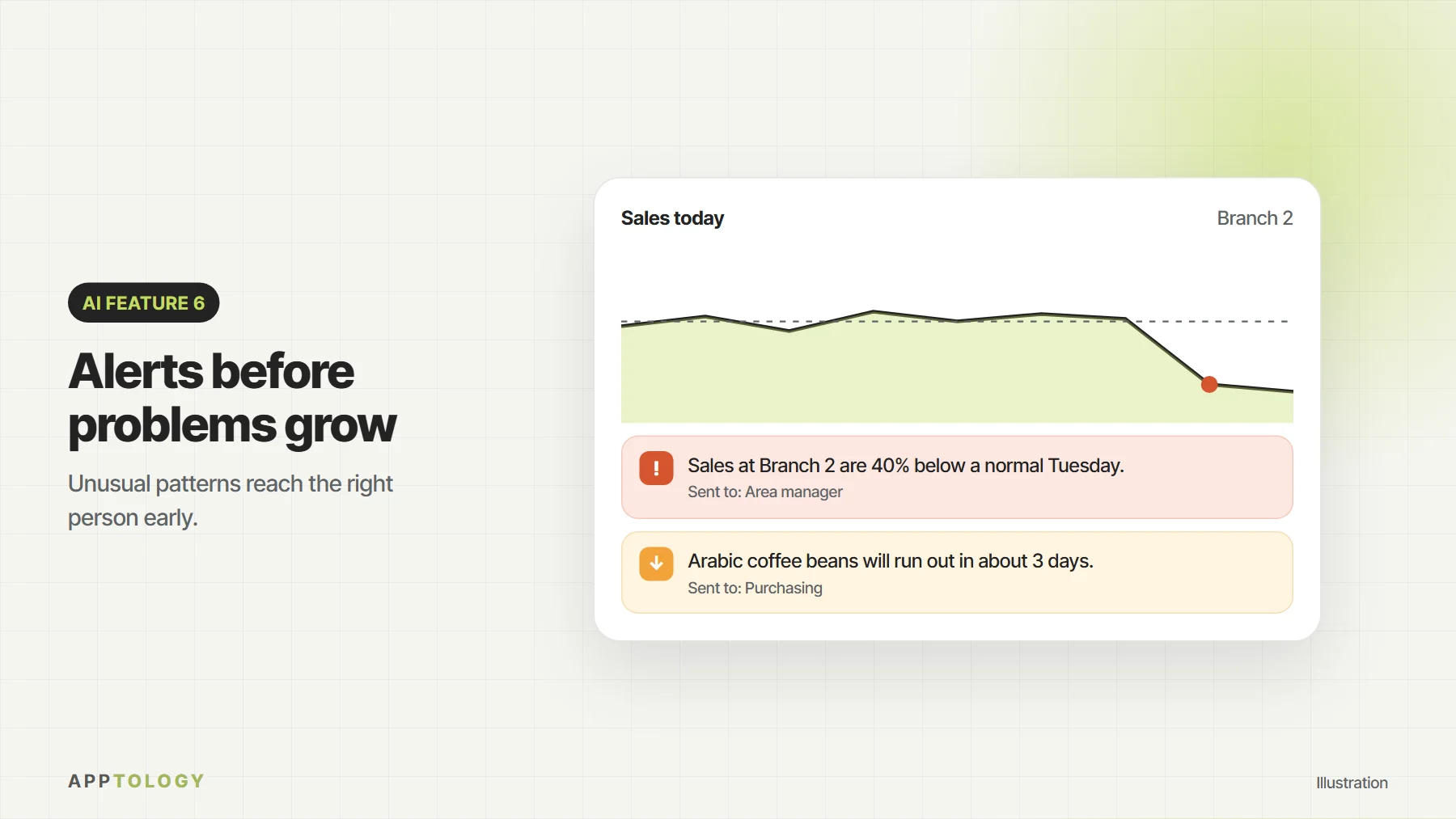
From low stock to unusual sales or overdue jobs, AI can spot patterns in your data and alert the right person before a small problem becomes a big one.
7. Summaries and translation
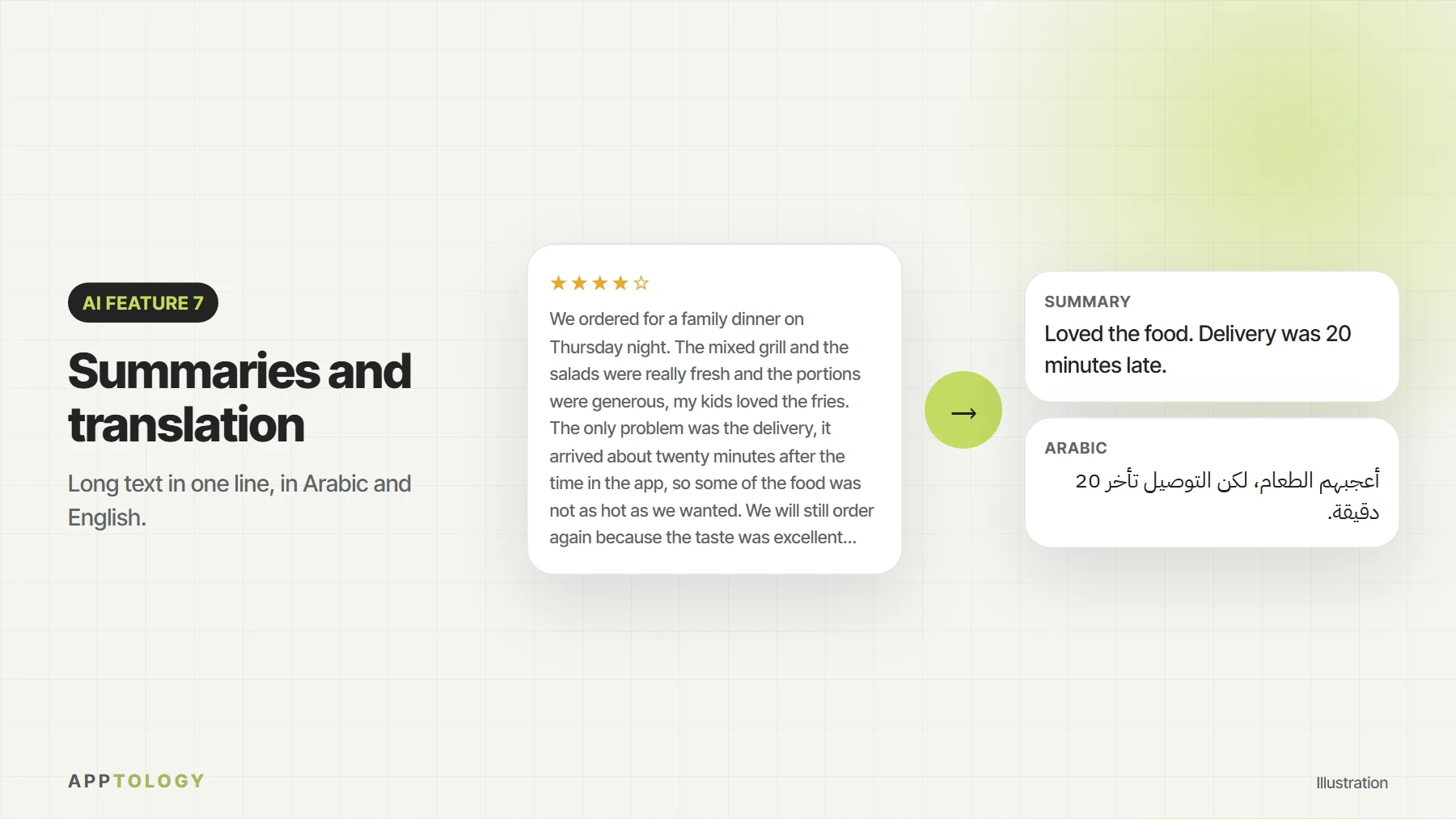
Long messages, reviews and reports can be summarized in a sentence, and content can be translated between English and Arabic, which is especially useful for businesses serving customers in both languages.
The seven features at a glance
| Feature | What it does | Who uses it | Example |
|---|---|---|---|
| Business assistant | Answers questions from your own data | Operations, sales, managers | PrimeAuto |
| Structured requests | Turns a description or photos into a complete job | Service and field teams, marketplaces | ScopeMark |
| Recommendations | Suggests items and offers for each customer | Restaurants, cafés, retail | Ordering and loyalty apps |
| Document reading | Extracts data from invoices, forms and IDs | Finance and admin teams | Supplier invoices |
| Smart search | Understands meaning, typos and Arabic | E-commerce and catalogs | Product and menu search |
| Alerts and forecasts | Spots unusual patterns early | Inventory, sales, operations | Low-stock alerts |
| Summaries and translation | Shortens and translates text | Support teams, reviews | Arabic and English replies |
Which AI feature should you start with?
List the tasks your team does every week, then ask three questions about each one:
- How often does it happen? Daily tasks beat monthly ones.
- How long does it take each time? Minutes saved on every repetition add up fast.
- Is the information already digital? AI works best with data that is already in your systems or documents.
The task with the best answers to all three is usually your best first AI feature. Build that one, measure the time it saves, then add the next.
How to add AI responsibly
- Start with one clear use case and measure whether it saves time or increases sales.
- Protect your data: control what information the AI can see and keep sensitive data out of prompts where possible.
- Keep a human in the loop for decisions that affect customers, money or safety.
- Plan for usage costs: AI services are usually billed by usage, so features should be designed with cost in mind.
Questions about AI in business apps
Can AI be added to an existing app?
Usually yes. Most AI features connect to your app through an API, so they can often be added to an existing app or website without rebuilding it. We first check what data the app holds and who is allowed to see it.
Does AI work in Arabic?
Yes. Modern AI models understand and write Arabic, handle search queries with spelling variations, and translate between Arabic and English. We test Arabic carefully, including right-to-left layouts.
Is our business data safe?
You decide what data the AI can access. We apply your existing user permissions, keep sensitive data out of prompts where possible, and keep a person in the loop for decisions that affect customers, money or safety.
How much does it cost to run an AI feature?
AI services are usually billed by usage, so the running cost depends on how often a feature is used. We design features so usage costs stay predictable. For build costs, see our app development cost guide.
Which AI model do you use?
It depends on the feature and on where your data needs to stay. For the PrimeAuto assistant we used Anthropic’s Claude.
Where to start
Look for tasks your team repeats every day: answering the same questions, retyping information or searching for data. Those are usually the best first candidates for AI. We help businesses design and build mobile and web apps with AI features where they add real value.
Want to explore AI in your app? Talk to us and we will suggest where AI can help your business first.